
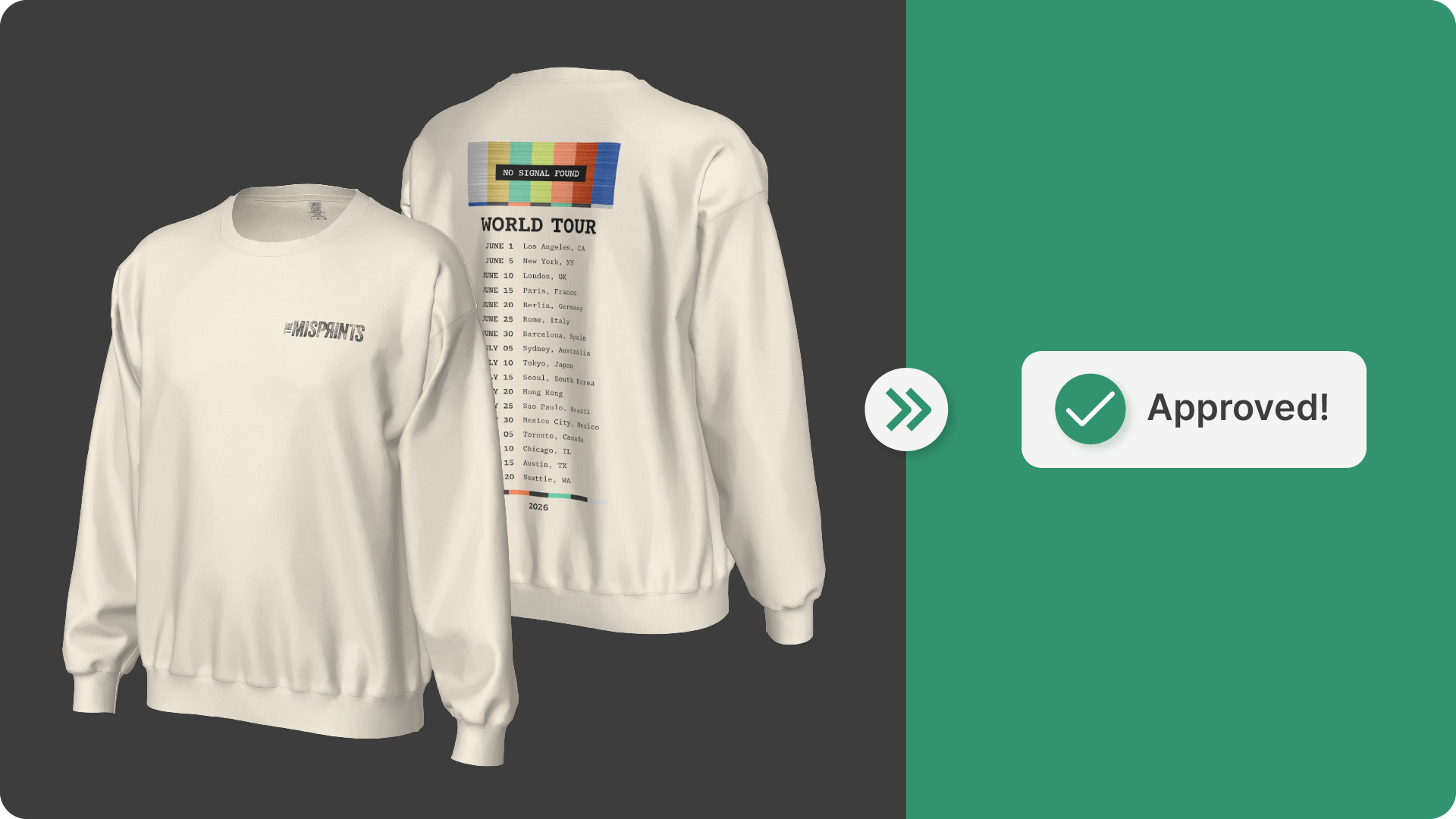
In custom apparel, approvals tend to take longer than they should. Sure, customers can be indecisive, but more often than not delays happen because the information they’re reviewing leaves room for interpretation.
When a mockup doesn’t clearly reflect how a product will look in production, it naturally leads to follow-up questions, revision requests, and additional stakeholders getting pulled into the process. Over time, those small delays add up and slow down the entire order cycle.
The goal when aiming to speed up approvals isn’t to rush decisions, but rather give clients enough clarity and confidence to approve without hesitation.
Why Apparel Approval Workflows Slow Down
Most delays in the apparel approval workflow come from a few consistent issues:
- Mockups that don’t accurately represent placement, scale, or technique
- Feedback that happens across email threads or disconnected tools
- Revisions that require manual updates across multiple products
- Limited visibility into how the final product will actually look
When these gaps exist, approvals become iterative by necessity. Clients ask more questions because they need to, not because they want to.
What a More Efficient Approval Process Looks Like
A faster approval process is typically built on three things:
- Clarity: The visual matches what will be produced
- Context: Feedback happens directly on the product
- Continuity: The same information carries from mockup to production
When those elements are in place, approvals tend to happen more quickly and with fewer revisions.
How to Speed Up Client Approvals Using SEDDI Decorator
Start with Accurate, Production-Aligned Mockups
The first visual a client sees sets the tone for the entire approval process. If it’s close to what will actually be produced, the number of revisions drops significantly.
In SEDDI Decorator, mockups are created on 3D replicas of real apparel styles with defined print regions and true-to-life proportions. Artwork placement and scale reflect how the design will translate to the finished product across sizes, which helps reduce common questions around sizing, positioning, and overall appearance.
Replace Static Proofs with Interactive 3D Previews
Static proofs often require explanation. Clients may need additional views or clarification to fully understand the design.
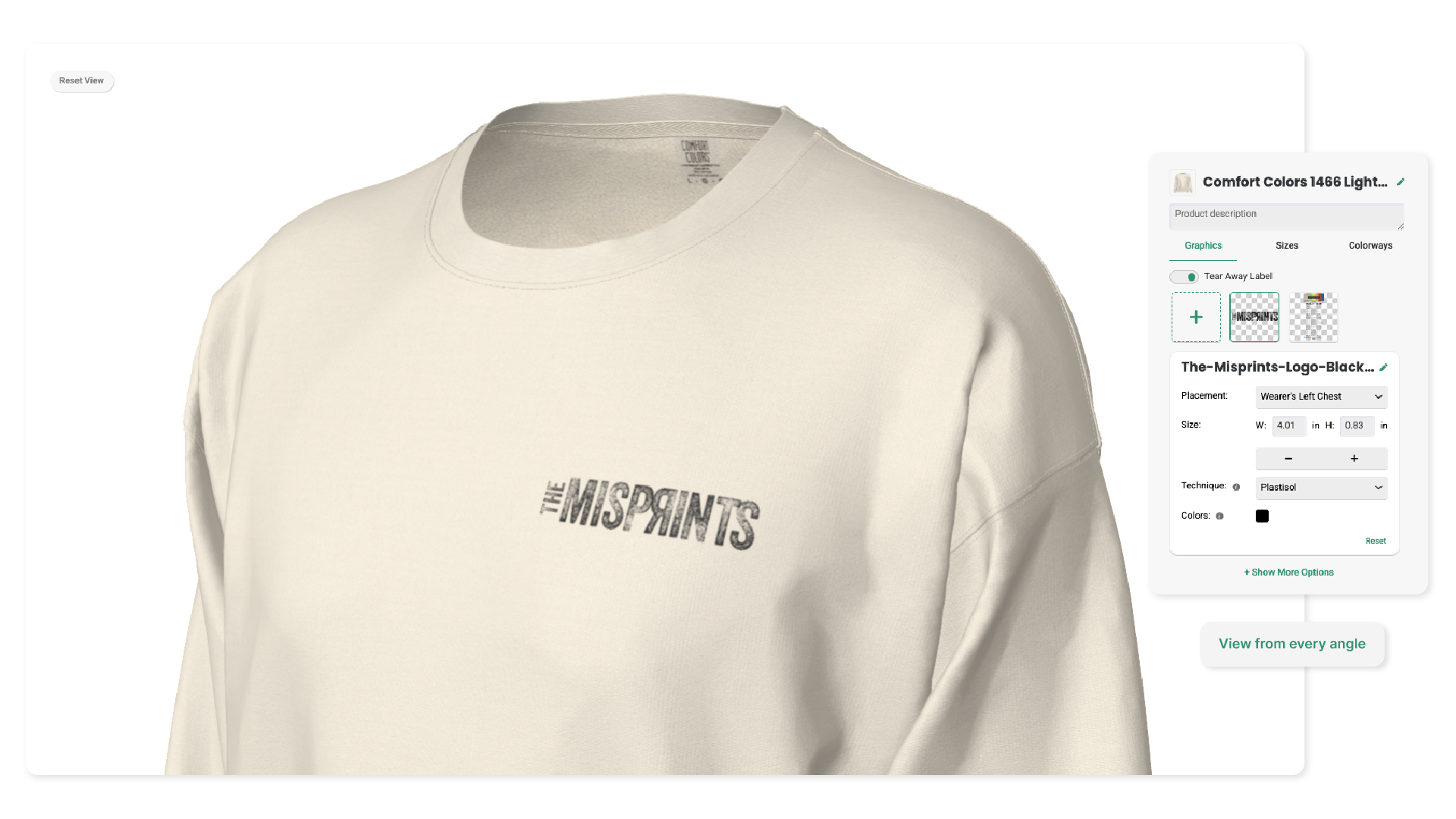
Decorator provides interactive 3D previews that allow clients to rotate the product, zoom in, and review details from different angles. This makes it easier to evaluate the design without relying on interpretation, which tends to shorten the feedback loop.
Keep Feedback in One Place
When feedback is spread across email, chat, and internal notes (yes, sometimes even on Post-it notes), it becomes harder to track changes and maintain alignment.
With Decorator, stakeholders can comment directly on the product itself. Feedback is tied to the exact product or entire order collection that is being reviewed, which reduces miscommunication and makes it easier to act on revisions quickly.
Make Updates Without Rebuilding Mockups
One of the biggest sources of delay is the time it takes to implement feedback, especially across multiple products in a collection.
Features like Manage Graphics allow you to update artwork, placement, color, or technique across multiple styles at once. Instead of making the same change repeatedly, updates can be applied in a single step, which helps maintain momentum in the approval process.
Because every product in Decorator acts as a shared, up-to-date reference, there’s no risk of outdated versions or conflicting instructions making their way into production. Everyone is working from the same, current version of the product at all times.
Show Placement That Matches Production
Placement is one of the most common areas where expectations and outcomes can diverge.
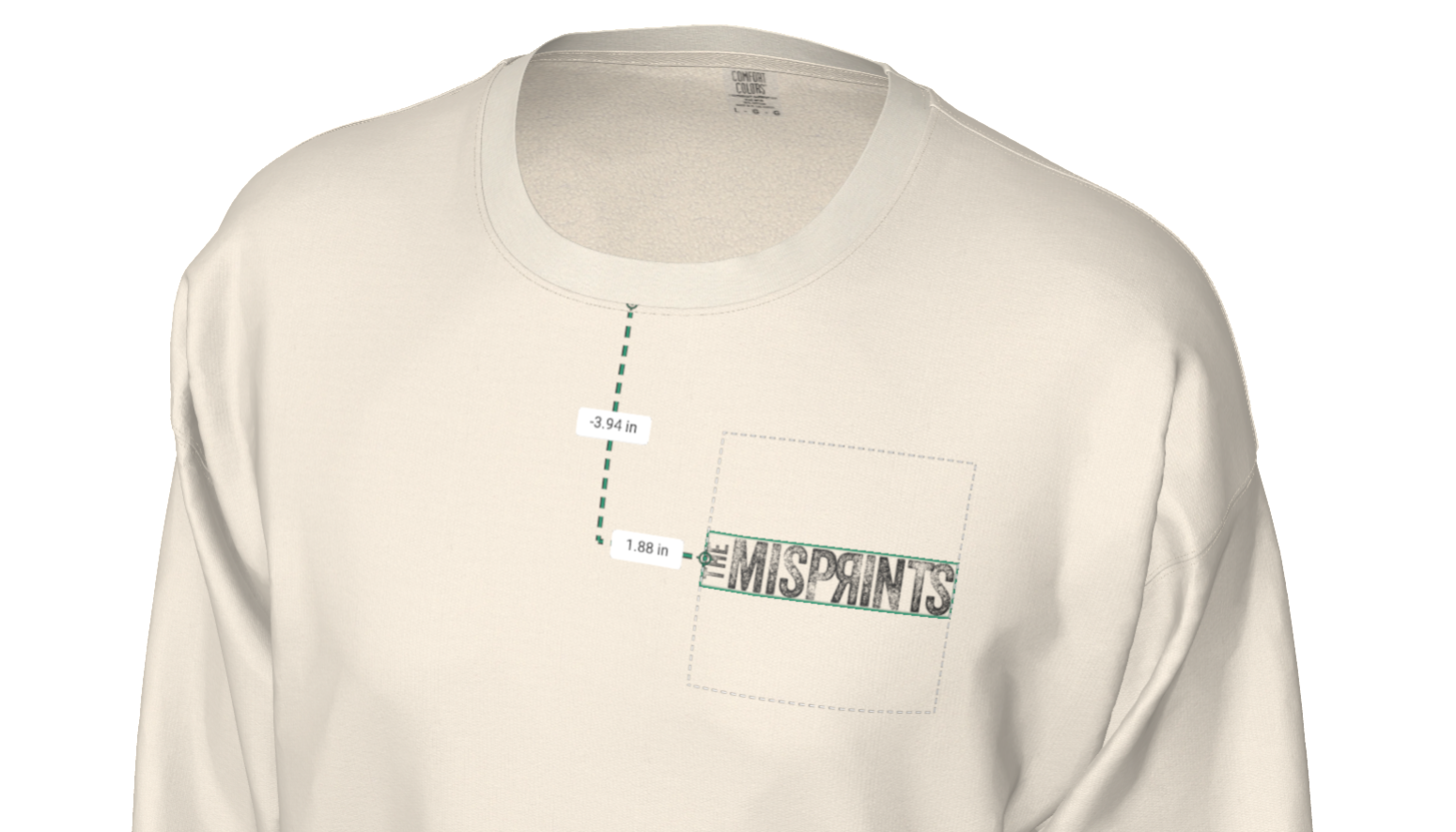
With features like Points of Measure, placement is defined using real measurements tied to the actual specs of the garment. This means the position of a graphic isn’t just visually represented, it’s specified in a way that production can follow exactly. That level of precision helps align expectations early and reduces the risk of revisions later.
Move Directly from Approval to Production
Approvals often slow down again when it’s time to prepare production instructions.
Decorator simplifies this by automatically generating production-ready tech packs directly from the approved design. Placement, color, and technique are already defined, so there’s no need to recreate specifications manually. This creates a seamless transition from approval to production, while standardizing a step that is typically manual, inconsistent, and prone to interpretation.
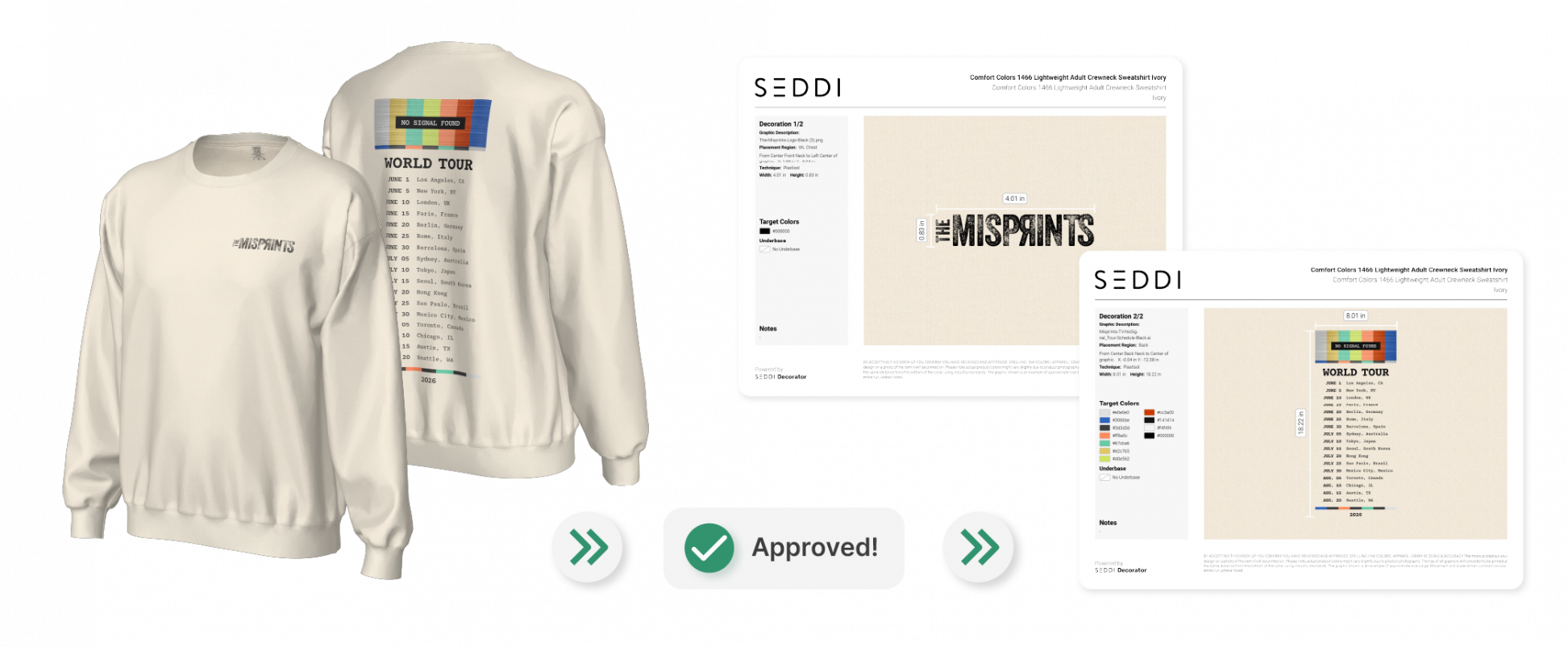
No rebuilding. No translation. Same product throughout.
What a More Efficient Approval Process Looks Like
In many workflows, delays tend to come from:
- Recreating mockups after each revision
- Clarifying placement or scale after feedback
- Translating visuals into production instructions
- Managing feedback across multiple channels
Addressing these areas has a direct impact on approval speed.
Why Faster Approvals Matter
Reducing approval time improves more than just efficiency. It affects how quickly deals move forward, how confident clients feel in their decisions, and how smoothly orders transition into production.
For teams handling multiple orders or large programs, even small improvements in approval speed can have a meaningful impact on overall throughput.
The Bottom Line
Client approvals tend to slow down when there’s a gap between what’s shown and what will be produced.
SEDDI Decorator helps close that gap by combining accurate visuals, centralized feedback, and production-ready outputs in a single workflow. When everyone is working from the same information, approvals become more straightforward and significantly faster.

 English
 French
 Spanish